
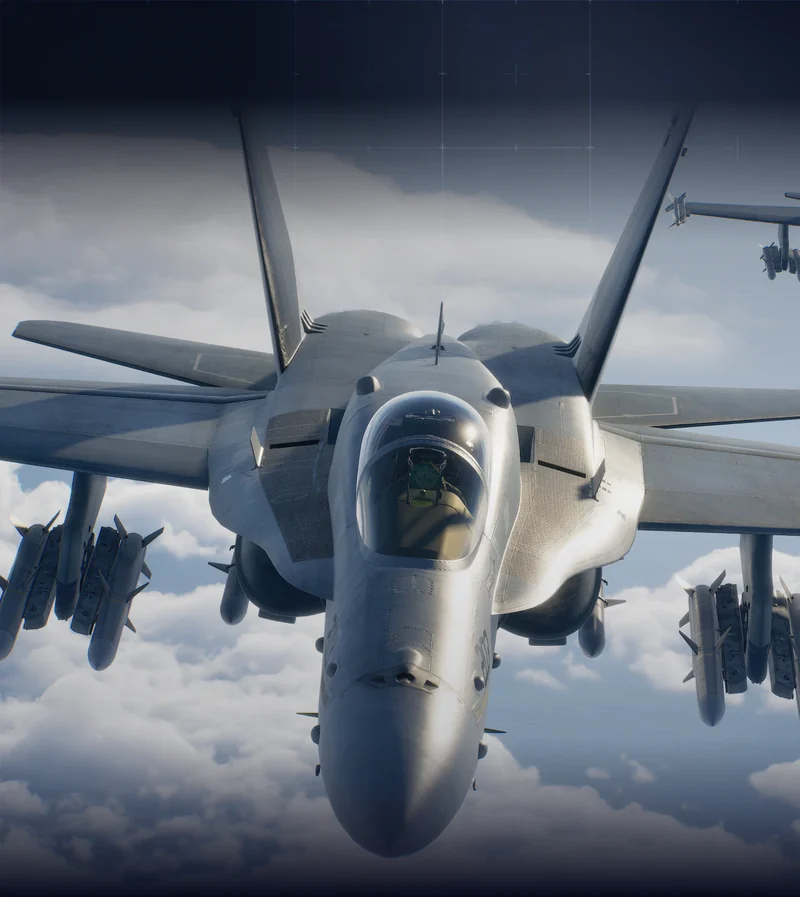
 MULTIROLE
F/A-18C Hornet
The official Ace Combat 8 showcase describes air, ground, and ship weapon options. Check your available equipment before choosing this multirole aircraft for a mixed-target sortie.
View aircraft referenceYour next sortie starts here. Find Ace Combat 8 mission notes, compare aircraft, tune your controls, and track campaign progress with an independent field guide built around practical player questions.
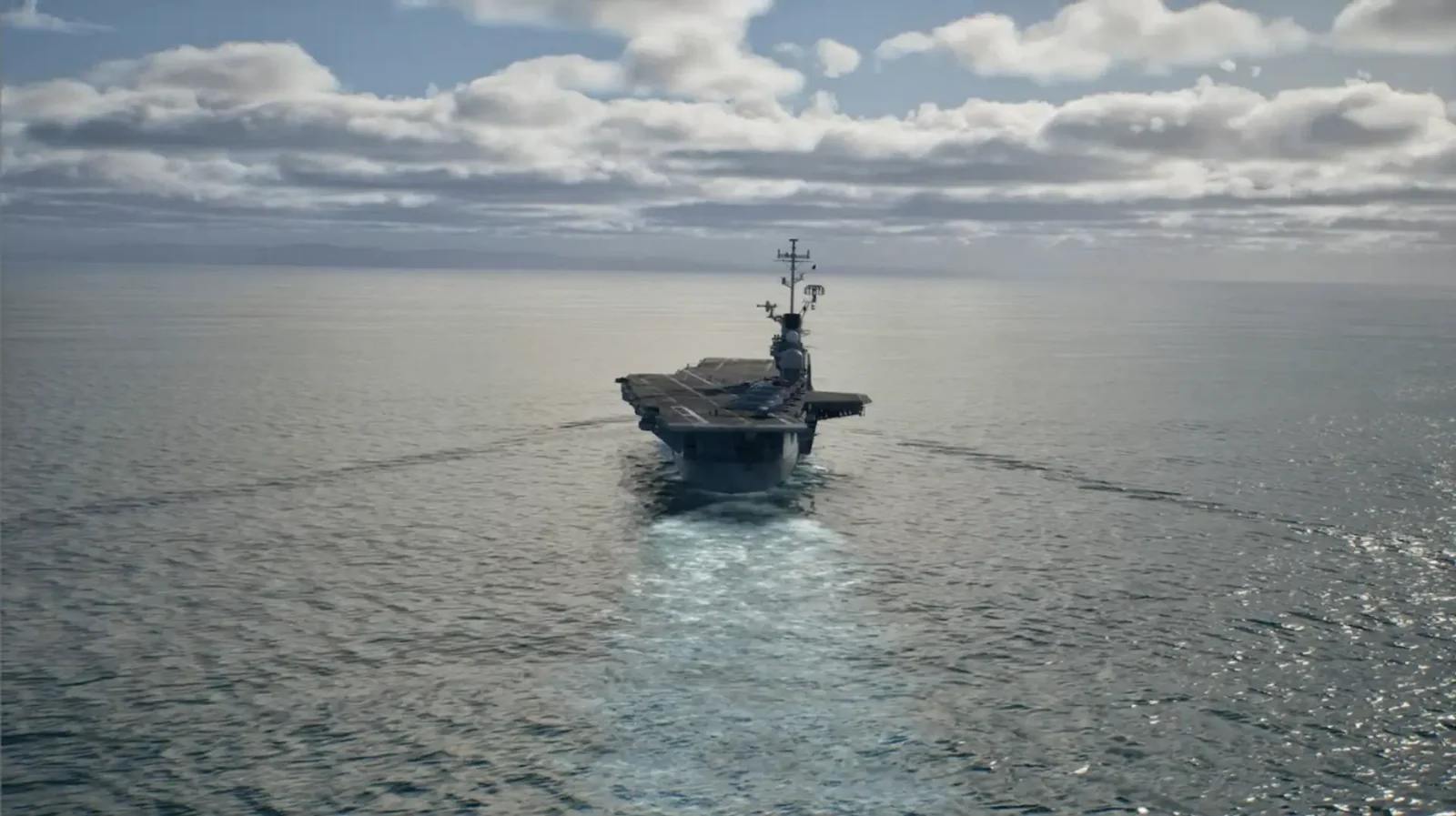
Check the campaign order, find the next briefing, and separate a first clear from a collection run. Keep mission names hidden when you want to avoid spoilers.
Browse mission guidesCompare aircraft roles before choosing a loadout. Start with the targets in your briefing, then check the weapons and unlock information that actually apply to your mode.
Explore the aircraftChoose Standard or Expert handling, learn the essential inputs, and check your exact controller or flight stick.
Prepare your setup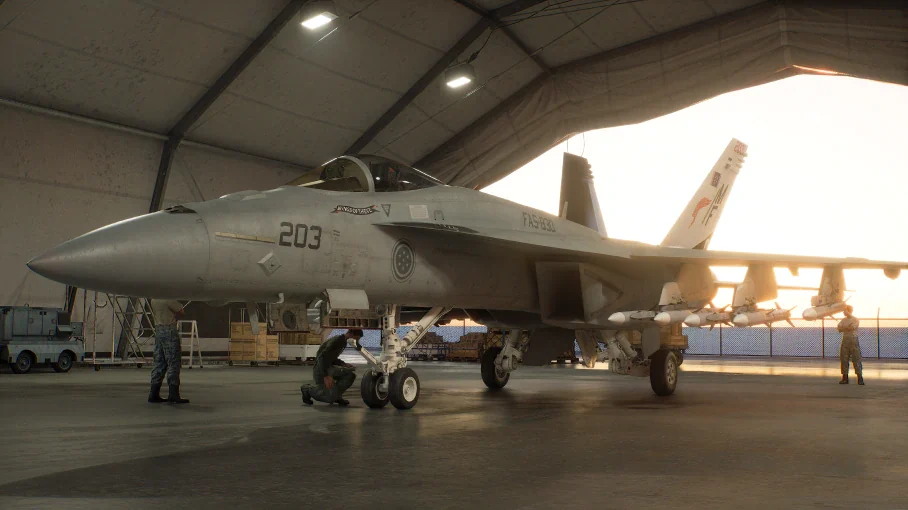
Start with the mission index when you need the campaign order. Open a focused briefing when you are collecting an enemy-ace record. Choose a guide that matches your goal.
Our Ace Combat 8 notes distinguish sourced facts from unfinished research. Mission 15 and Mission 16 currently cover hidden-ace conditions and replay preparation; they are not complete, independently tested combat walkthroughs. Follow the credited videos when you need a longer demonstration.
Open the Ace Combat 8 mission indexPlanning a hidden-ace attempt? Our source-reviewed notes explain the order of the Ladon objectives and when to look for Lupus. Keep this collection objective separate from simply finishing the mission.
Read briefingFind the reported Currus appearance condition and understand why a fixed map coordinate can be misleading. The briefing links to the original record guide and a full-route video for further reference.
Read briefingA faster jet is not automatically the right answer. Use the Ace Combat 8 role descriptions as a first filter, then inspect available special weapons and the actual mission objectives. This is a sourced selection, not a complete roster or a performance ranking.
MULTIROLEThe official Ace Combat 8 showcase describes air, ground, and ship weapon options. Check your available equipment before choosing this multirole aircraft for a mixed-target sortie.
View aircraft reference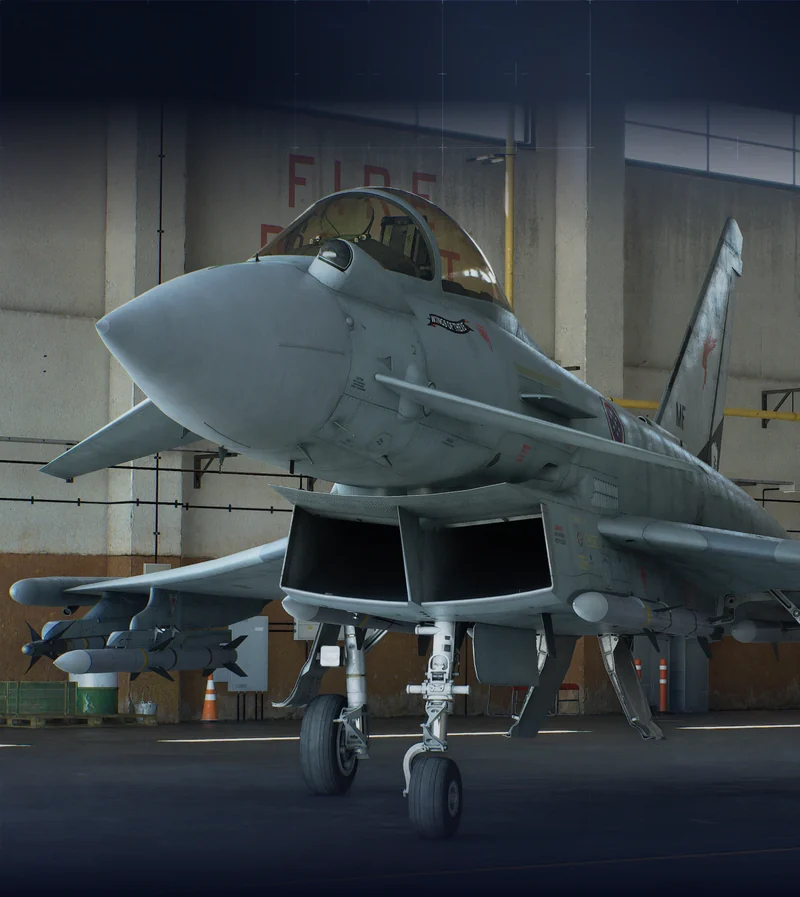 FIGHTER
Listed as a Fighter in Ace Combat 8, the Typhoon belongs on your air-combat shortlist. Compare its equipment with your mission requirements.
View aircraft reference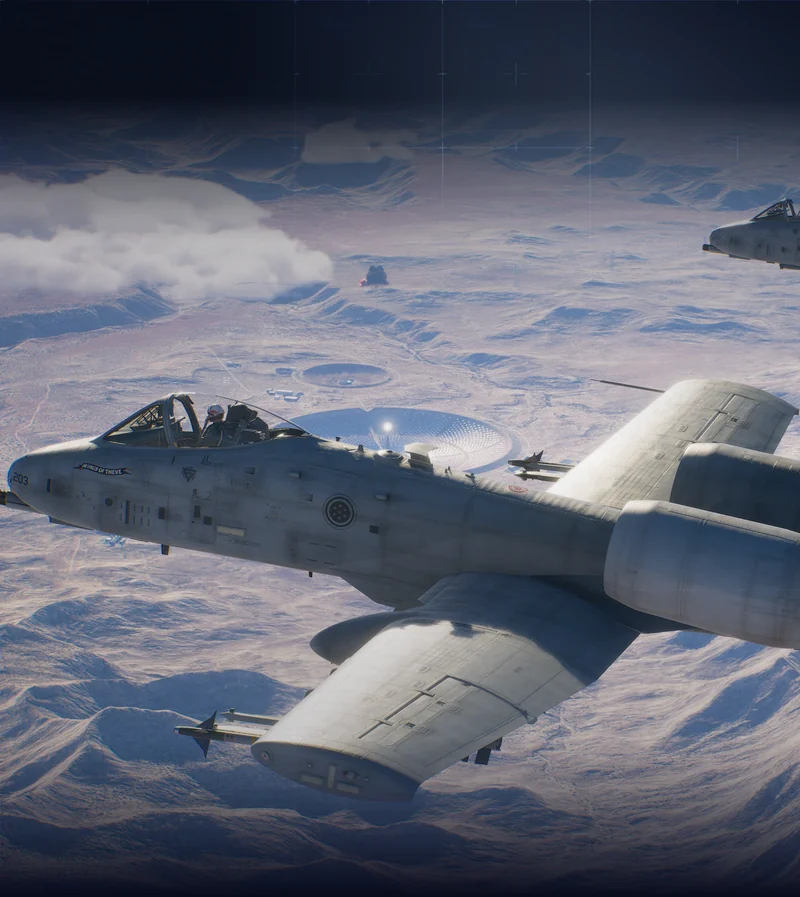 ATTACKER
This Ace Combat 8 aircraft is presented for close air support. Think about the mission’s ground targets and flight demands before comparing it with a fighter or multirole alternative.
View aircraft referenceAircraft renders: official publisher showcase · © Bandai Namco Entertainment.
Before an Ace Combat 8 sortie, identify what ends the mission and what can fail it. Note the phase that caused trouble.
Use the Ace Combat 8 aircraft reference and controls guide to make a deliberate adjustment. Try a different weapon choice, control mode, or approach individually so you can tell what helped.
Mark your Ace Combat 8 progress after a successful run. Add S rank only when you have earned it, then export a checklist backup before switching devices or clearing browser storage.
Control mode and difficulty are separate choices. Learn how your aircraft responds before changing several settings at once. The Ace Combat 8 controls guide explains the modes; the HOTAS reference checks device and platform claims.
Left-stick movement turns the aircraft left or right. Start here if you prefer a simpler steering relationship while learning the mission.
The left stick controls roll and pitch. Practise banking into a turn before adding target tracking and weapon management.
The source-reviewed campaign list contains 30 missions. Our mission index follows that order and keeps names hidden until you reveal them. Online operations are a separate mode; they are not counted as extra campaign missions in the checklist.
The credited campaign guide reports that finishing the story unlocks Free Mission. You can then revisit sorties on unlocked difficulties and select a loadout, subject to mission-specific restrictions. Use the replay notes to prepare a focused collection attempt.
Campaign MRP is used to buy aircraft, special weapons, and parts. Our aircraft-tree guide explains that progression without inventing prerequisite links or prices. Check the costs displayed in your game before spending, especially when budgeting for weapons alongside an aircraft.
The publisher describes separate progression and save data for Campaign and ACE COMBAT ONLINE. Do not assume an online purchase immediately provides the same campaign access. For aircraft and bonus content, read the mode restrictions attached to the specific unlock.
Manufacturers list specific licensed devices for supported platforms. Our HOTAS guide distinguishes the PlayStation/PC and Xbox/PC editions and links to the original product information. A missing model in our selection means unverified compatibility, not proof that it cannot work.
We have not verified an error-specific fix for publication. For a crash, record the full message, platform, game version, and stage where it occurs. Check publisher support before changing configuration files.
Source-reviewed October 5, 2026. We link the official game information and credit the guides behind specific claims. Missing prices, untested key bindings, and uncertain fixes stay out of published advice. Read our editorial standards or suggest a correction.